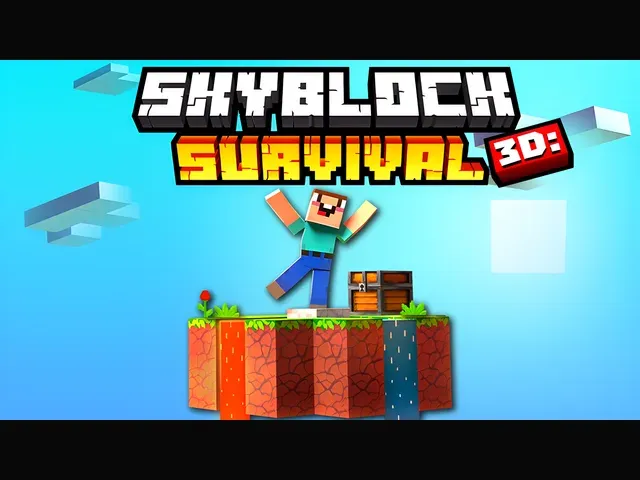
 Skyblock 3D: Survival
Skyblock 3D: Survival
Provided by VPlay Games
 12 Crowns per play
Skyblock 3D: Survival is one of those games I did not expect to like.
There is a story underneath the gameplay. You will be curious to see what happens next.
I like that it does not ask you to sign up or install anything.
Take a break if you get stuck. Coming back ten minutes later usually works.
I have already added it to my favorites.
How to Play
For computer:
- Move: W, A, S, D
- Jump: Spacebar
- Break blocks: Hold down LMB
- Place blocks: RMB / F
- Inventory: E
- Pause: Tab
- Help: J
- Drop: Q (Shift+Q Drop full slot)
For mobile devices:
- Move: Left Joystick
- Jump: Arrow icon button
- Break blocks: Hold down the sword icon button.
- Stack blocks: Hold down the cross icon button.
- Inventory: Orange button in the middle of the screen.
- Pause: Purple button in the upper right corner of the screen
 More Games