 StickerBall
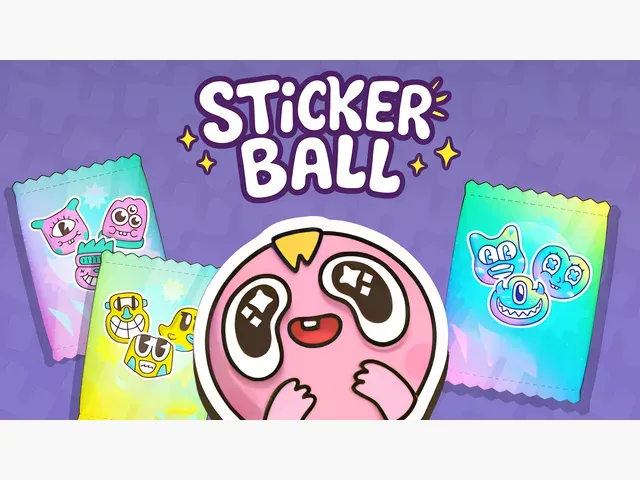
StickerBall
Provided by VPlay Games
 12 Crowns per play
You know StickerBall, right?
One button or simple controls, but the difficulty ramps up fast.
You can play it with one hand, which is dangerous during meetings.
Keep an eye on the timer. Some levels are more about speed than precision.
It holds up surprisingly well on mobile too.
How to Play
How to play:
1. Aiming:
Move your cursor to aim-the arrow on the ball shows the strike direction.
2. Power Charging:
Hold LMB to fill the arrow’s power gauge. Release to launch the ball! Striking too early cancels the shot.
3. Collecting Stickers:
After striking, the ball bounces off walls, collecting stickers, coins, and crystals. The more you gather in one turn, the higher your combo and bonuses!
4. Triggers:
Collect special icons (magnet, x2, freeze, etc.) to power up the ball or alter sticker behavior. For example, "Ghost" lets the ball pass through triggers, while "Double Move" grants a second strike without new stickers appearing.
5. Buying Packs:
Before your first turn, choose a free Level 1 pack. Each pack contains 100 stickers, with 10 appearing per turn.
6. Strategy Tips:
Use "Freeze" or "Bonus" to increase the number of stickers on the field.
Combine triggers like "Magnet" + "x2" for double rewards.
Prioritize Holo-stickers - they grant x2 coins!
 More Games