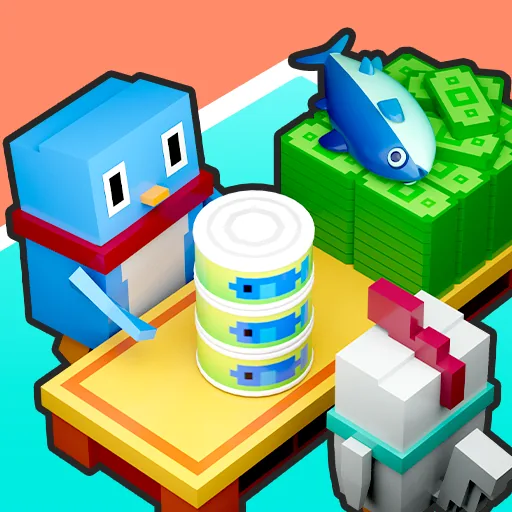
 Penguin Restaurant
Penguin Restaurant
Provided by VPlay Games
 12 Crowns per play
So, Penguin Restaurant.
Each level gives you a new twist on the same core idea. You will fail a few times, but that is part of figuring it out.
The graphics are clean and the loading is fast. No waiting around.
Pro tip: save your upgrades for the tougher sections, not the easy waves.
It holds up surprisingly well on mobile too.
How to Play
Step 1 — Seat Incoming Customers
Customers arrive at the entrance of your restaurant and wait to be seated. Click or tap on a waiting customer, then click or tap on an available empty table to show them to their seat. Don't leave customers standing at the door for too long — their patience is limited and they won't wait forever.
Step 2 — Take Their Orders
Once seated, customers will signal when they're ready to order — look for a raised flipper or an order bubble above their heads. Click or tap on the customer to take their order. The kitchen will immediately start preparing their food.
Step 3 — Serve the Food
When the kitchen finishes preparing a dish, it appears on the counter. Click or tap on the dish to pick it up, then deliver it to the correct customer's table. Speed is everything — customers grow impatient the longer they wait for their food, and an unhappy customer leaves a smaller tip or leaves without paying at all.
Step 4 — Collect Payment and Clean Up
Once a customer finishes eating, they'll leave payment on the table. Click or tap the table to collect the money and tips, then clean the table so it's ready for the next customer. Every coin counts toward your daily earnings target.
Step 5 — Hit Your Daily Earnings Goal
Each shift runs until 9pm — the restaurant closes and you count your earnings. If you hit the daily target, you advance to the next day. Miss it and the shift is over without progress. The daily goal increases as you advance, demanding faster service and smarter management.
Step 6 — Upgrade and Expand
Use your earnings to upgrade the restaurant between shifts. Buy better seats to increase customer comfort and tips, install TVs to keep waiting customers patient, upgrade kitchen equipment for faster food prep, and add decorations to attract more visitors. Earn enough across a location and you'll unlock a brand new restaurant branch to manage across Antarctica.
Controls
Desktop: Click to interact with customers, food, and tables
Mobile: Tap to interact with everything
Tips to Run a Successful Restaurant
Always seat waiting customers first before doing anything else — a customer who leaves before being seated is a tip you'll never see
Prioritize customers who have been waiting longest — their patience meter drains faster the more time passes
Invest in TVs and comfortable seating early — they significantly increase how long customers will wait without getting angry, giving you more breathing room during busy rushes
Keep your table turnover fast — a clean table ready for the next customer is always more valuable than lingering on any single task
 More Games