
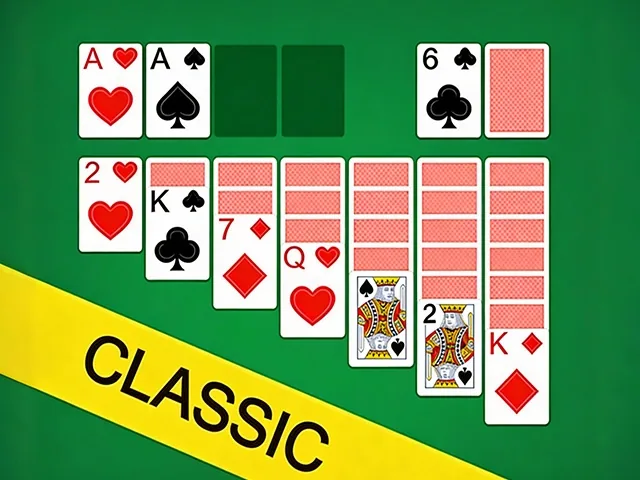
 Solitaire Classic
Solitaire Classic
Provided by VPlay Games
 12 Crowns per play
You know Solitaire Classic, right?
It is one of those browser games that is easy to pick up and hard to put down.
There is enough variety to keep you playing past the first five minutes.
Keep an eye on the timer. Some levels are more about speed than precision.
Worth a try if you have a few minutes to kill.
How to Play
Step 1 — Build Descending Stacks — Move cards between tableau columns in descending order (King to Ace) with alternating colors (red on black, black on red).
Step 2 — Reveal Hidden Cards — Click face-down cards to flip them. Empty columns can only be filled with a King.
Step 3 — Move Cards to Foundations — Drag cards to the four foundation piles in ascending order (Ace to King) by suit.
Step 4 — Use the Stock Pile — Draw from the stock pile when no tableau moves are available. Click to flip cards into play.
Step 5 — Clear the Board — Move all 52 cards to the foundations to win. Plan ahead — every move counts!
Controls
Desktop: Click and drag cards with your mouse
Mobile/Tablet: Tap and drag cards with your finger
Pro Tip — Focus on revealing face-down cards first. The more cards you expose, the more moves you unlock!
 More Games